 Log in / Become a member
 EN
EN




Session® 900
Portable Rugged Bluetooth Speaker
Portable Rugged Bluetooth Speaker
Session® 900
Couldn't load pickup availability

1-Year Limited Warranty

Easy Returns
SUPREME SOUND FOR EVERY SESSION
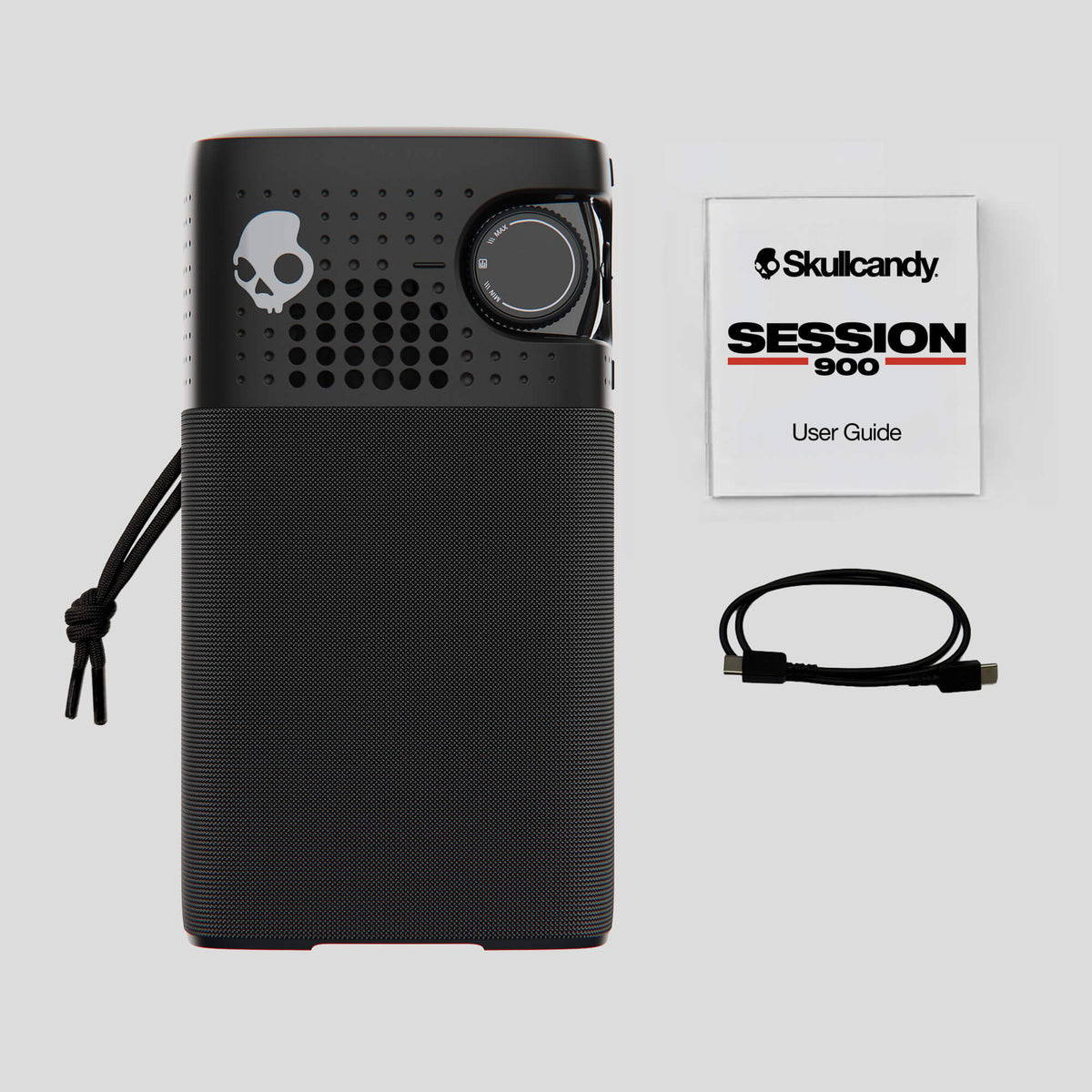
Session 900 brings our biggest, boldest sound with 40W of power, a dedicated woofer and tweeter, and dual passive radiators that deliver deep bass and immersive audio for your biggest hangs. Add 30 hours of battery life and an IP67 waterproof, dustproof, and shock-resistant build, and you've got the speaker that turns anywhere into the place to be.


Additional Features
Additional Features
Technical Specifications
Technical Specifications
Product Support
Product Support




BUILT TO LAST
GET WILD IN PARTY MODE
-

HOST A PARTY
Be the hero and link up your Session speakers to make a party wherever you and your crew are. -

BRING YOUR FRIENDS
Have a friend with a Session speaker? Invite them to join in on your audio fun. -

LISTEN IN TRUE STEREO
Pair two speakers for dedicated left and right channel audio and a wider, more immersive listening experience.


TAKE FULL CONTROL
Unlock more control over Session 900 with the Skullcandy App. Choose or customize your EQ, toggle Bass Boost, connect Party Mode, manage multipoint pairing and control Charge Out Protection.


COMPARE PRODUCTS

SESSION® 900
£129.99

SESSION® 540
£49.99
FAQs
How Long Is the Battery Life on Session 900 Speakers?
How Quickly Can I Charge Session 900 Speakers?
Are Session 900 Speakers Waterproof?
Are Session 900 Speakers Dustproof?
What is IP67 rating?
How do I connect my Session 900 with other Session speakers using Party Mode?
How Do I Set Up Stereo Sound with two Session 900 Speakers?
What is Battery Saver Mode?
Battery Saver Mode helps you get more playtime when you need it. It reduces bass and focuses power on mid and high frequencies to maximize battery life, temporarily disabling Bass Boost and EQ switching. With Battery Save Mode turned ON, total playtime increases from 30 hours up to 49 hours.
Battery Saver Mode resets to OFF each time Session 900 powers down, so you’ll always start with full-performance sound when you turn it back on.
What is Charge Out Protection?
Charge Out Protection helps preserve your speaker’s remaining battery. When the speaker drops below 20%, you’ll receive a notification through the Skullcandy App and Charge Out will automatically turn off, keeping enough power available for your speaker.
If you want to keep charging anyway, you can enable the Charge Out Protection override in the Skullcandy App to continue charging your device until the speaker powers off.